Prevent Screenshots in Threema Work
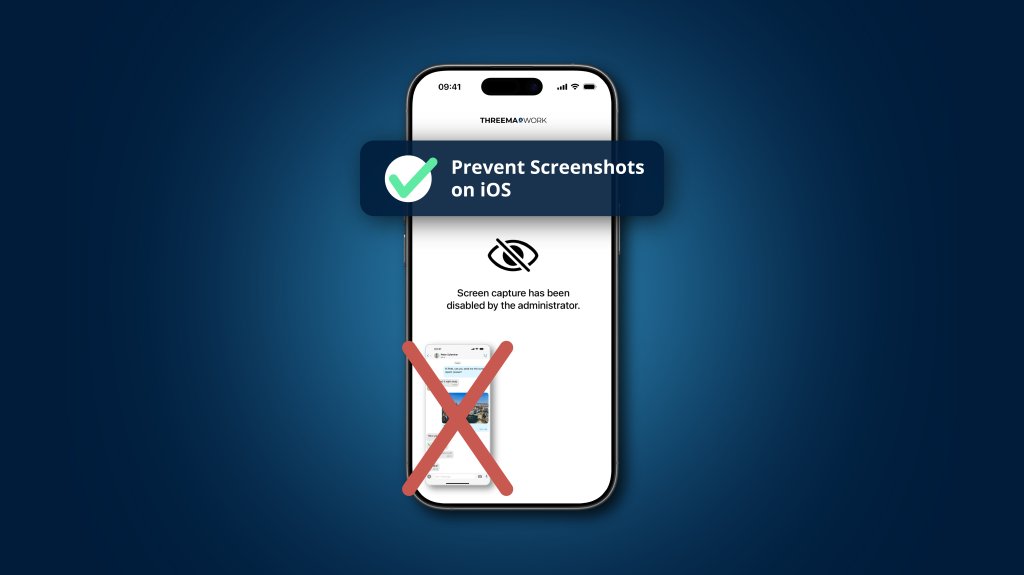
Business communication belongs in secure channels, not in the photo gallery of personal smartphones. With the latest update of Threema Work and Threema OnPrem for iOS, screenshots of chat histories can now be specifically prevented.
It has become commonplace for employees to use their personal smartphones for work purposes – a practice known as Bring Your Own Device (BYOD). The advantages are obvious: greater flexibility and improved accessibility. At the same time, however, this increases the risk of confidential information ending up in employees’ private sphere, for example when chat histories or contact lists are captured in screenshots.
To minimize this risk, administrators have already had the option of preventing screenshots on Android devices via the configuration setting th_disable_screenshots. As of today, this is also possible on iOS: with Threema Work 7.0.4k and Threema OnPrem 7.0.4o, this option can also be enabled for iPhones and iPads.
The setting can be configured company-wide or for individual users via an MDM system or in the management cockpit’s app configuration under “Chat Content.” When screenshots are prevented, a white screen with a corresponding message will appear when a user tries to take a screenshot of the app.







