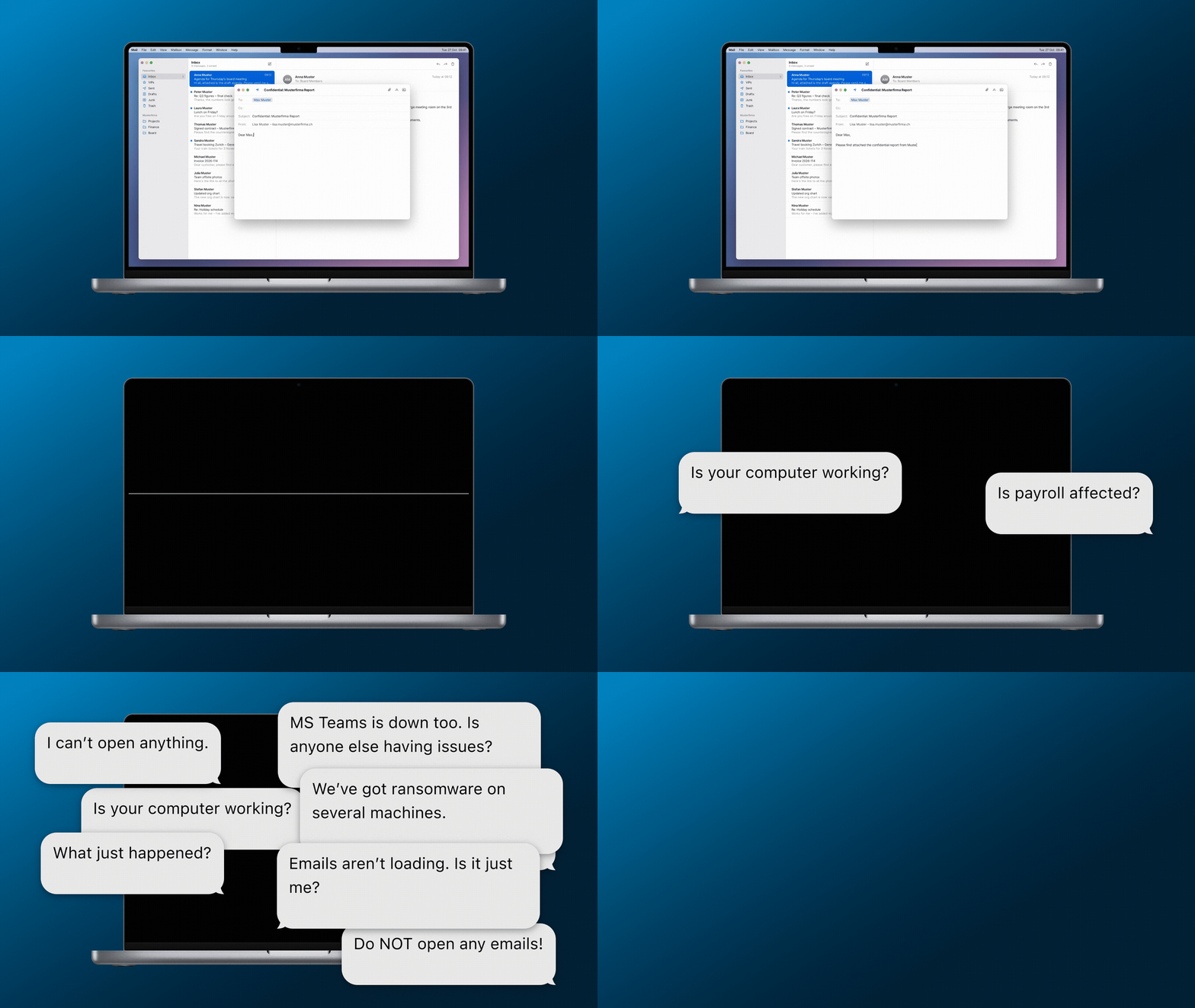
A laptop screen turns black as chat messages report that systems are no longer accessible.
Threema Work

When Systems Go Silent: Staying Connected During a Cyberattack

Imagine a cyberattack paralyzes your internal IT infrastructure – email, chat, and phone systems all go offline at once. How do you communicate? Many companies don’t have an answer until it’s too late. Using a fictional example, we’ll illustrate the consequences a communication outage can have during a cyber incident.
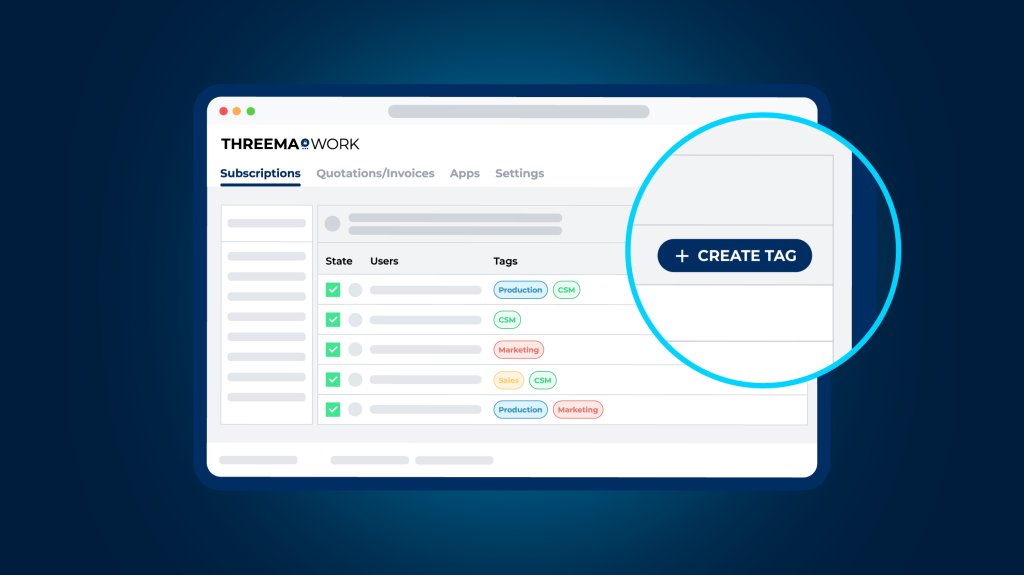
A stylized user overview in the Threema Work management cockpit, with a highlighted button for creating a tag.
Threema Work

Easier Tag Management in the Management Cockpit

Are you already using tags in the management cockpit? If so, the latest update is for you, as it makes managing them much easier. If, however, you’re new to tags, here’s how they can help you organize groups and distribution lists more efficiently.

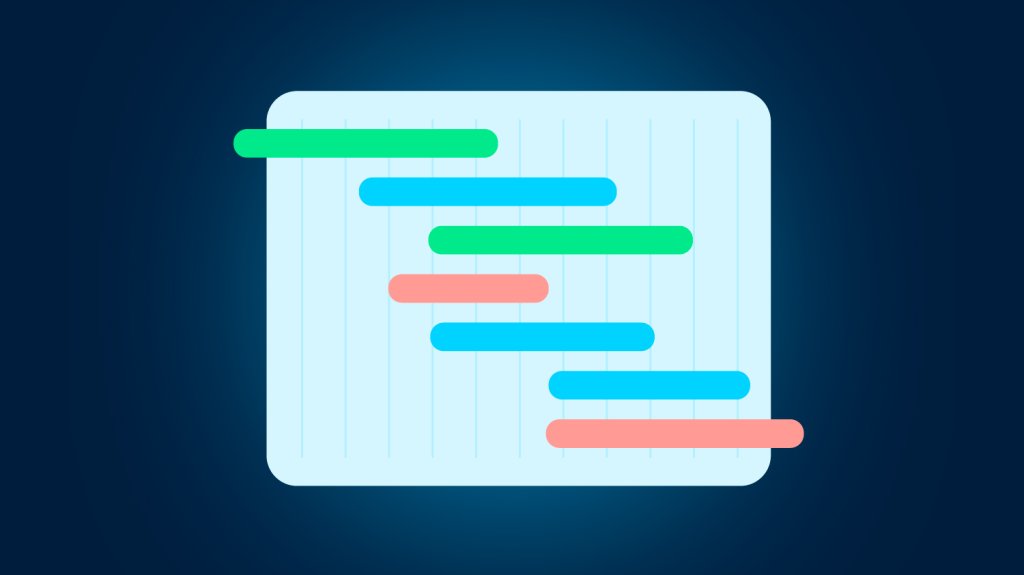
Illustration of a project roadmap with colorful timeline bars on a calendar-like grid.
Threema Work

What We’re Working On

As an app development company, we’re busy day in and day out further developing the Threema apps. Here’s a quick look at what we’re currently working on.

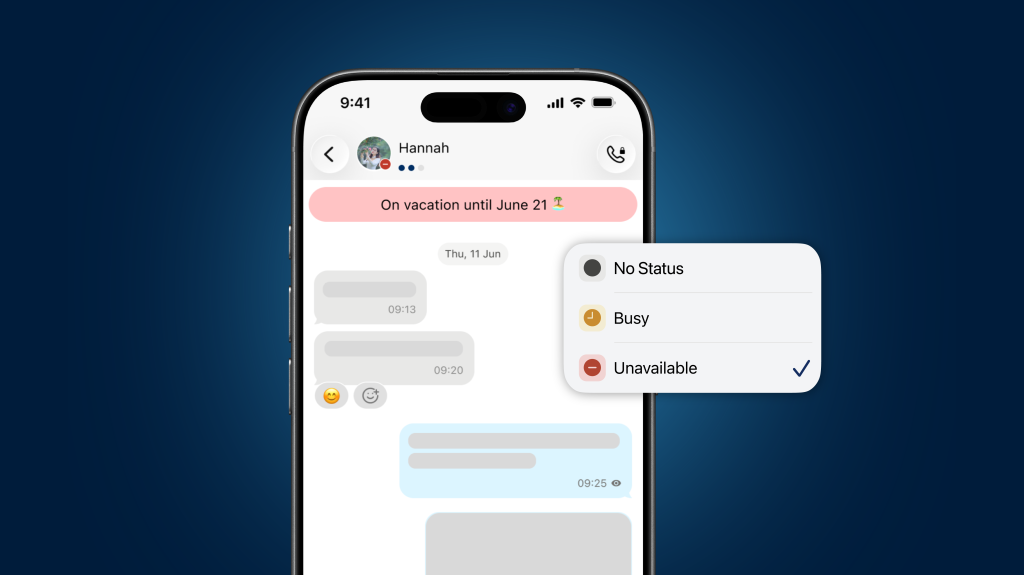
Smartphone chat screen showing a contact marked as unavailable and on vacation until June 21, with the status menu open.
Threema Work

Availability Status in Threema Work

Do you need advice from a colleague but aren’t sure whether they’re available right now? Or would you like to set your out-of-office message directly in Threema Work? With the new availability status, you can see at a glance who’s available.

Hand holding a smartphone with a chat app, connected to a server interface, both protected by shield icons with a key symbol.
Threema Work

Protected Data Even if a Device Is Lost

For companies with the highest security requirements, Threema OnPrem offers a sophisticated new feature: thanks to DualLock, chats are now protected even if a mobile device is lost or stolen.

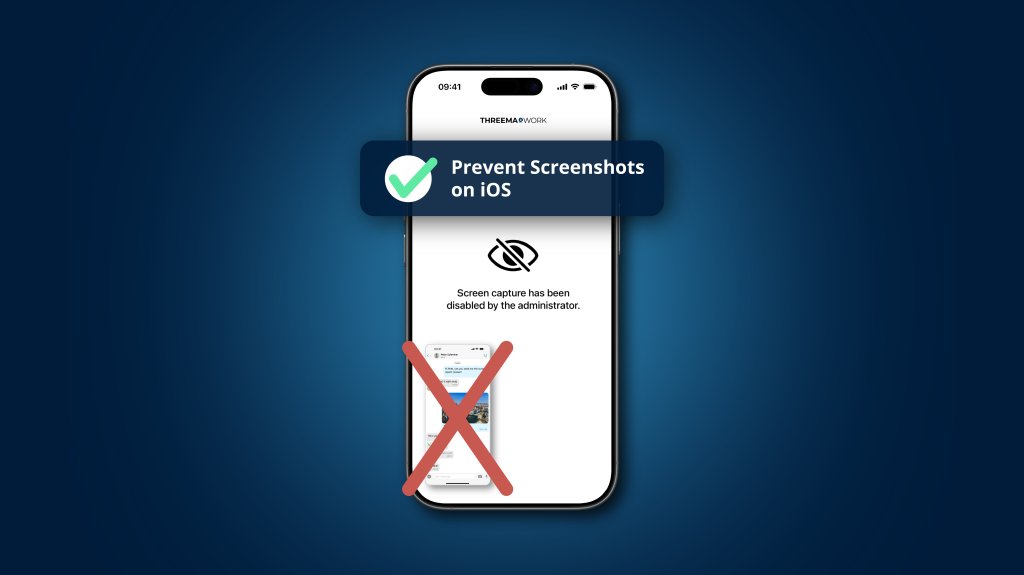
iPhone screen showing a message that screenshots are disabled by the administrator, with a large red X over a sample screenshot and the label “Prevent Screenshots on iOS.”.
Threema Work

Prevent Screenshots in Threema Work

Business communication belongs in secure channels, not in the photo gallery of personal smartphones. With the latest update of Threema Work and Threema OnPrem for iOS, screenshots of chat histories can now be prevented.

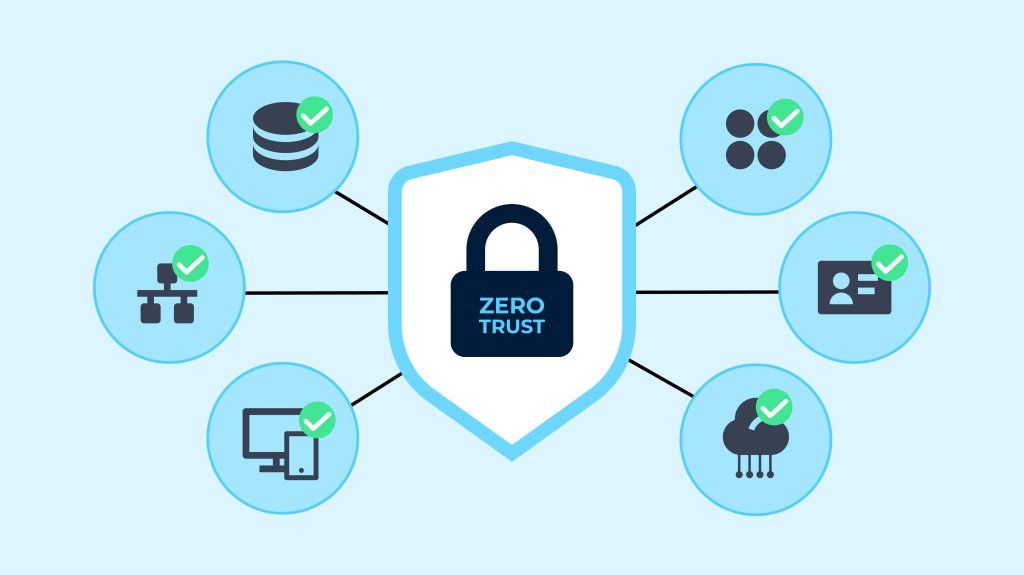
Illustration of a Zero Trust security model with a central lock labeled “Zero Trust,” connected to icons representing databases, users, identity, cloud, devices, and network.
Threema Work

Zero Trust: Rethinking Security in a Connected World

Today’s digital environments are more connected and distributed than ever. Traditional security models built around a trusted network perimeter are no longer sufficient. As cloud services, remote work, and mobile devices blur the boundaries of corporate networks, a new guiding principle has emerged: Zero Trust.

Illustration of a power plant with wind turbines and solar panels next to the Axpo and Threema logos.
Threema Work

Axpo Systems and Threema: Enhancing Data Security in the Energy Sector

As part of the critical infrastructure, the energy sector has special requirements for secure information and data exchange. With “REVIVE,” Axpo Systems provides a crisis management platform specifically developed for this sector. Threema OnPrem serves as the central communication module.

A blue cartoon robot holding a speech bubble with three dots, surrounded by question marks.
Threema Work

Bots: Retrieve Information Directly in the Chat App

Threema Work is not only a messaging app for businesses, it is also a practical tool for making information quickly and easily accessible. With the help of bots, it’s possible to set up interactive systems that automatically provide users with answers to frequently asked questions.